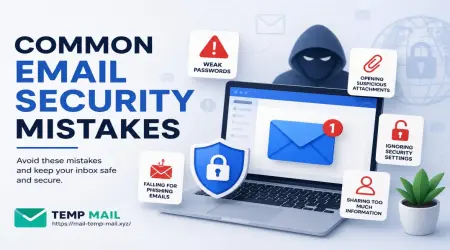
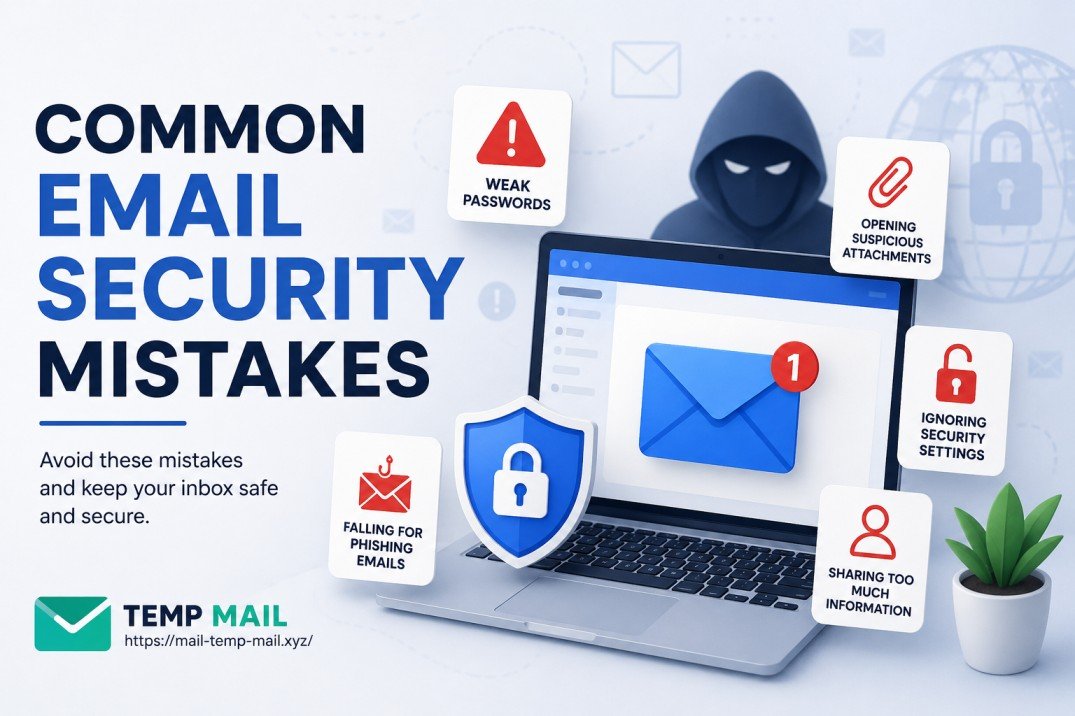
Email Security Mistakes You're Probably Making Right Now (And How to Fix Them)
A few years back, I got a message from my cousin asking why I had sent him a link to "claim a prize." I hadn't. Someone had gotten into my email account, and I didn't even notice until things had already gone sideways. That experience shook me up — and honestly, it was entirely my own fault. I had been making some really basic email security mistakes that I thought were "no big deal."
Turns out, a lot of people are in the same boat. Email is something we use every single day — for work, shopping, banking, everything. But most of us treat it like it's still 1999 and the biggest risk is a chain letter.
Let me walk you through the mistakes I've seen (and made myself), and more importantly, what you can actually do about them.
Using the Same Password Across Multiple Accounts
This is probably the most common one, and also the most dangerous.
I used to have one "strong" password that I used everywhere. My logic was simple — if it's strong, it's fine, right? Wrong. The problem isn't about how strong your password is. It's about what happens when one of the websites you use gets breached.
When hackers get a list of leaked emails and passwords, they don't just try them on that one site. They run automated tools that try those same credentials on Gmail, Outlook, Yahoo Mail, banking apps — you name it. It's called credential stuffing, and it works shockingly well.
What to do instead:
Use a password manager. I switched to Bitwarden (it's free and open-source) and it changed everything. Now every account gets a unique, randomly generated password. I don't have to remember any of them — the app does it for me. Other solid options include 1Password and Dashlane.
If you're not ready for a password manager yet, at the very minimum use different passwords for your email and anything connected to money.
Skipping Two-Factor Authentication
Even after my account scare, I was lazy about turning on two-factor authentication (2FA). Setting it up felt like extra hassle. "My new password is super long," I told myself. "That's enough."
It wasn't.
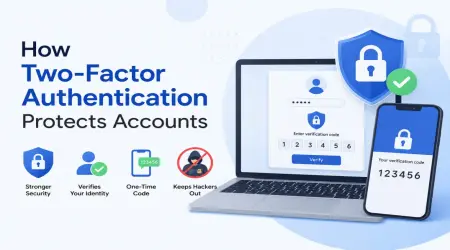
Two-factor authentication means that even if someone somehow gets your password, they still can't get into your account without a second verification — usually a code sent to your phone or generated by an app. It's one of the most effective protections available right now.
Here's how to turn it on (Gmail example):
- Go to your Google account settings
- Click on "Security" in the left menu
- Scroll to "How you sign in to Google"
- Click "2-Step Verification" and follow the prompts
For even better protection, use an authenticator app like Google Authenticator or Authy rather than SMS codes. SMS codes can technically be intercepted through something called SIM swapping, while app-based codes stay on your device.
Clicking Links in Emails Without Thinking
We've all done it. You get an email that looks like it's from your bank, PayPal, or even your email provider, and there's a link asking you to "verify your account" or "update your payment info." The logo looks right. The email address kind of looks right. So you click.
This is called phishing, and it's gotten incredibly convincing. I once got an email that looked exactly like a notification from a well-known courier service. The only tell was the sender's email — instead of the real domain, it was something like "fedex-deliveries.info."
How to spot a suspicious email before clicking anything:
- Hover over any link before clicking. The actual URL will appear in the bottom of your browser. If it looks weird or unfamiliar, don't click.
- Check the sender's full email address, not just the display name. Anyone can name themselves "PayPal Support" but the address behind it will tell the truth.
- Be extra cautious with emails that create urgency — "Your account will be closed in 24 hours!" is a classic pressure tactic.
- When in doubt, don't click the link. Instead, open your browser, type the website address yourself, and log in from there.
Using Your Primary Email for Everything
Here's something that took me a while to figure out: not every website or service deserves your real email address.
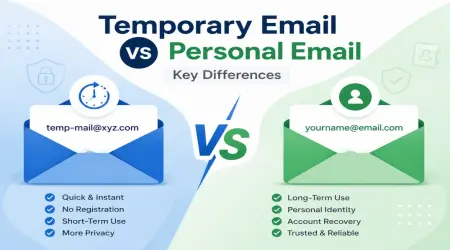
When you sign up for a random newsletter, a one-time discount, a forum you'll visit once, or any service you're not sure about — giving out your main email is risky. If that service has poor security practices, or if they sell your email to third parties, your inbox gets flooded and your email address gets circulated in places you'd never want it to be.
This is exactly where using a temporary or disposable email address becomes really smart.
At mail-temp-mail.xyz, you can generate a temporary email address in seconds. You don't sign up, you don't give any personal info, and when you're done, the inbox just disappears. It's perfect for:
- Testing new apps or services
- Downloading a free resource that asks for your email
- Signing up for trials you don't want to commit to
- Avoiding registration walls on websites
I use temporary emails constantly now when I'm not sure about a website. My real inbox stays clean, and more importantly, my real email address stays private.
Not Checking Where You're Logged In
Did you know Gmail, Outlook, and most email providers show you a list of all devices and locations that are currently signed into your account?
Most people never check this. But it's one of the easiest ways to catch unauthorized access early.
For Gmail:
- Scroll to the very bottom of your inbox
- Click "Details" next to "Last account activity"
- A popup will show recent logins, device types, and IP addresses
If you see a login from a country you've never been to, or a device you don't recognize — that's a red flag. You can immediately sign out of all sessions from that screen and then change your password.
Keeping Sensitive Information in Your Inbox
This one surprised me when I thought about it. My inbox had years of emails containing my old bank statements, password reset links (which often include temporary tokens), scanned documents with ID information, and receipts with partial credit card numbers.
If anyone ever got into my email, they'd have a treasure chest of personal information sitting right there.
What to do:
- Regularly delete emails containing sensitive personal or financial information
- Don't use your inbox as a document storage system
- If you need to archive important documents, use encrypted cloud storage like Proton Drive or keep them on your own secured device
Ignoring Security Alerts From Your Email Provider
Gmail, Outlook, and other providers are actually pretty good about sending alerts when something suspicious happens — a login from a new device, a new app getting access to your account, a password change attempt.
The mistake I used to make was treating these like noise. "Oh, just another notification," and I'd delete it without reading properly.
One day I nearly missed an alert telling me a third-party app I had authorized years ago (and completely forgotten about) had tried to access my account. I removed its access immediately. These alerts are your first line of defense — read them.
Giving Third-Party Apps Full Email Access
Speaking of third-party apps — when you use "Sign in with Google" or authorize an app to "access your Gmail," that app can sometimes read your entire inbox, send emails on your behalf, and even delete messages.
Over time, you probably have dozens of these connected apps that you've completely forgotten about.
How to audit yours (Gmail):
- Go to myaccount.google.com
- Click "Security"
- Scroll to "Your connections to third-party apps & services"
- Review every app listed and remove anything you don't recognize or no longer use
This is a five-minute task that a lot of people never do. Make it a habit to check once every few months.
A Quick Note on Public Wi-Fi and Email
Logging into your email on an unsecured public Wi-Fi network (airports, coffee shops, hotels) without a VPN is something many people do without thinking twice. While modern email providers use HTTPS which provides encryption in transit, your general browsing habits and metadata can still be exposed.
If you regularly access sensitive emails on public networks, consider using a reputable VPN like Mullvad or ProtonVPN. It's not paranoia — it's just basic hygiene at this point.
Final Thoughts
Email security doesn't have to be complicated or expensive. Most of the mistakes I've described above are things you can fix in an afternoon — a password manager here, two-factor authentication there, and a habit of using temporary email addresses when you're not sure about a website.
The biggest shift for me was moving from a reactive mindset ("I'll deal with it if something goes wrong") to a proactive one. Because by the time something goes wrong, a lot of damage is already done.
Start with one thing on this list today. Seriously, just one. Turn on 2FA on your main email account. That alone will make your email dramatically more secure than it probably is right now.
And the next time you're about to hand over your real email to a sketchy-looking website? Remember, tools like mail-temp-mail.xyz exist for exactly that reason. Keep your real inbox for the things that actually matter.
Found this helpful? Share it with someone who still uses "password123" — we all know at least one person.