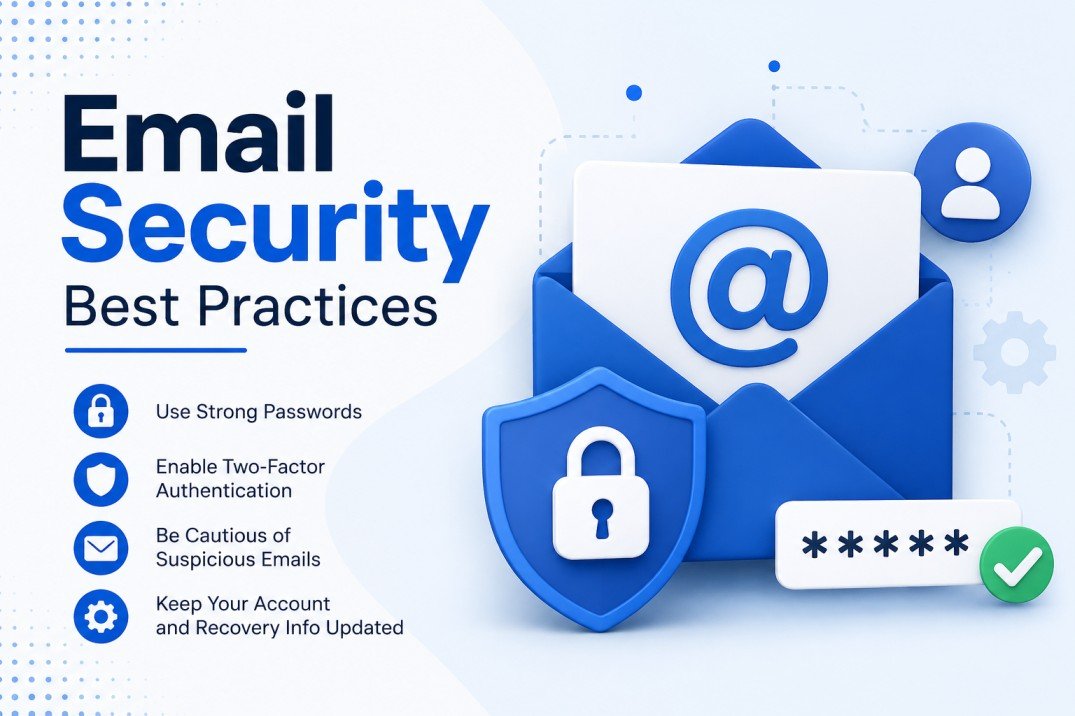
I Almost Lost My Business Email Account — Here's What I Learned About Email Security
A few years back, I woke up to something that genuinely made my stomach drop. My business inbox had roughly 200 unread messages — all delivery failure notices for emails I never sent. Someone had gotten into my account and was using it to push out bulk messages to random addresses, all under my name, my brand.
That morning changed everything about how I handle email.
I'm not a cybersecurity professional. I'm just someone who runs a small online business and has been burned badly enough to take this stuff seriously. And if you're reading this on mail-temp-mail.xyz, you probably already care about keeping your inbox cleaner and safer than most people do. So let me walk you through everything I actually use and everything I wish I had known before that nightmare morning.
Why Most People Ignore Email Security Until It's Too Late
Here's the honest truth — nobody thinks about email security until something goes wrong. It's like car insurance. You don't appreciate it until you need it.
Most of us set up an email account, pick a password, maybe turn on two-factor authentication if we're feeling responsible, and then completely forget about it. Meanwhile, the threats to your inbox get more creative every year.
Phishing attempts now look almost identical to real messages from your bank. Credential stuffing attacks try leaked passwords from old data breaches on every service you've ever signed up for. And forwarding rules get quietly planted inside your account by intruders who want to silently read your messages for weeks or months before you notice anything.
The good news is that fixing this doesn't require a computer science degree. It just requires building a few solid habits.
Step 1 — Treat Your Password Like It's Actually Worth Protecting
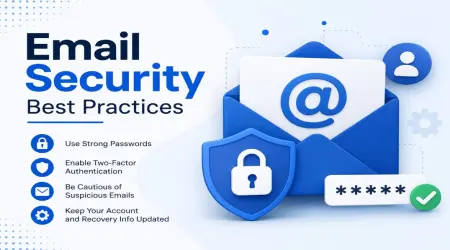
I know you've heard "use a strong password" a thousand times. But here's the part most people miss: it's not about the strength of one password. It's about not reusing the same password across multiple accounts.
When a random website you signed up for years ago gets hacked, your email and password combination ends up in a publicly circulated list. Attackers then run those combinations against Gmail, Outlook, Yahoo — automatically, at scale. If your email password matches what you used somewhere else, they're in.
The fix? A password manager. I use Bitwarden personally (it's free and open-source), but 1Password and Dashlane are solid paid options. These tools generate long, random, unique passwords for every single account and remember them for you. You only need to remember one master password.
One thing I learned the hard way — make sure your master password for the password manager is something you have genuinely memorized and something you've never used anywhere else, ever.
Step 2 — Two-Factor Authentication Is Non-Negotiable
If you're not using two-factor authentication (2FA) on your main email account right now, please stop reading and go turn it on. I'll wait.
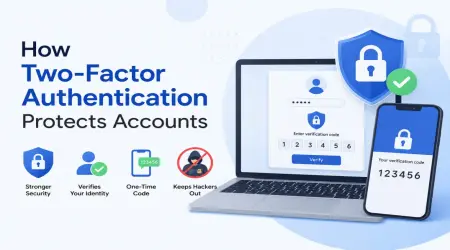
Seriously though, 2FA means that even if someone gets your password, they still can't log in without a second verification step — usually a code from an app on your phone.
Don't use SMS-based 2FA if you can avoid it. Text messages can be intercepted through SIM-swapping attacks, where a bad actor convinces your mobile carrier to transfer your phone number to their device. It sounds extreme but it happens more than you'd think.
Instead, use an authenticator app. Google Authenticator, Authy, and Microsoft Authenticator are all free and take about five minutes to set up. Authy is my personal favorite because it backs up your codes to the cloud (with encryption), so you don't lose everything if you switch phones.
For email providers like Gmail and Outlook, 2FA settings are right there in the security section of your account. There's really no excuse to skip this.
Step 3 — Check Your Account Activity and Connected Apps
This is the one most people never do, and it's where I found the damage after my account was compromised.
Every major email provider lets you see your recent login activity — the IP addresses, locations, and devices that accessed your account. In Gmail, scroll to the very bottom of your inbox and look for "Last account activity" in the corner. Click "Details" and go through the list.
Look for anything unfamiliar. A login from a country you've never visited. An access at 3am when you were asleep. These are red flags.
Also check your connected apps. Over the years, you've probably authorized dozens of third-party apps to access your email — things you signed up for and forgot about. Go to your Google account settings, find "Security," then "Third-party apps with account access." Revoke anything you don't recognize or no longer use. Every connected app is a potential entry point.
While you're in there, check your email forwarding settings and filters. One of the quieter attack methods involves setting up a rule to forward copies of your incoming emails to an outside address. I found one of these in my account during that breach. It had been running for almost three weeks.
Step 4 — Use a Disposable Email for Signups (This Is Huge)
One of the smartest things I started doing — and something that's directly relevant to a site like mail-temp-mail.xyz — is using a temporary or disposable email address whenever I sign up for something that doesn't absolutely require my real address.
Think about how much stuff you've signed up for over the years. Free trials. Online stores. Forum accounts. Newsletter downloads. Every one of those services has your real email address in their database now. And if any of those services experience a data breach — or if they simply decide to sell their user list — your address is out there.
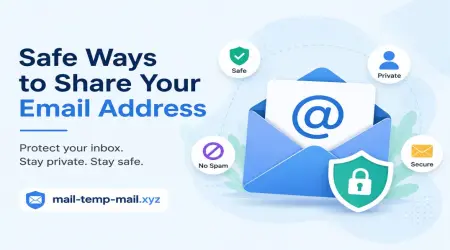
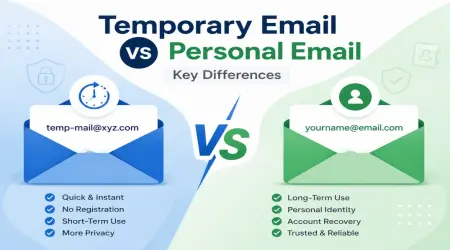
Using a temporary email for these low-stakes signups keeps your real inbox completely out of that equation. Your primary address stays clean, private, and significantly harder to target.
I use temp mail addresses for:
- Downloading free resources or ebooks
- Signing up for one-time discount codes
- Testing new apps or services before committing
- Anything where I know I'll only need it once
Your real email address should be reserved for things that genuinely matter — your bank, your work accounts, your close contacts.
Step 5 — Learn to Spot Phishing Attempts
This might be the most important skill on this entire list.
Phishing is when someone sends you a fake message designed to look like it's from a trusted source — your bank, PayPal, Amazon, Google — and tries to trick you into clicking a link and entering your login credentials. The fake sites they send you to can look pixel-perfect.
A few things I check before clicking anything:
The sender's actual email address. The display name might say "PayPal Support" but look at the full address in parentheses. If it's something like support@paypal-secure-login.net rather than an official PayPal domain, that's a problem.
Urgency and pressure language. Real companies almost never send emails saying "Your account will be closed in 24 hours unless you verify immediately." That kind of pressure is designed to make you act before you think.
Hover before you click. On desktop, hovering over a link shows you the actual URL before you click it. Does it match the domain you expect? If a link in a supposed Amazon email points somewhere completely different, don't click it.
Unexpected attachments. If you weren't expecting a file from someone, don't open it — even if the email appears to be from a contact you know. Accounts get taken over and used to forward malicious attachments to entire contact lists.
Step 6 — Keep Your Recovery Options Updated
This one is easy to forget and genuinely painful when you need it.
Your recovery phone number and backup email address are your lifeline if you ever get locked out or need to verify your identity. But a lot of people set these up when they first create an account and never update them again.
If you've changed phone numbers, make sure your account recovery is updated. If your backup email is an old address you can no longer access, update that too.
I'd also strongly recommend downloading your backup codes for 2FA. These are one-time use codes that let you access your account if you ever lose your phone. Store them somewhere physical — I printed mine and keep them with other important documents. Yes, like an actual piece of paper. Old school works.
Step 7 — Use Encrypted Email When It Matters
For most day-to-day stuff, standard email is fine. But if you're sending genuinely sensitive information — legal documents, financial details, medical information — you should know that regular email is not private by default.
ProtonMail is the easiest entry point into encrypted email for regular people. It's end-to-end encrypted, meaning even ProtonMail itself can't read your messages. The free tier is genuinely useful. Tutanota is another good option.
You don't have to use encrypted email for everything. But having one available for truly sensitive conversations is a smart move.
Common Mistakes I See All the Time
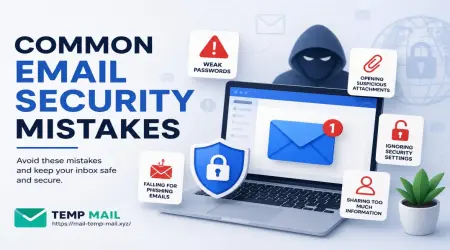
Using the same email for everything. Your shopping account, your banking, your social media — they're all connected to one address. One breach cascades into everything.
Ignoring security alerts from your provider. Gmail, Outlook, and others send alerts when unusual activity is detected. People often dismiss these as annoying. Read them.
Trusting "HTTPS" blindly. A padlock in the browser bar means the connection is encrypted — it does not mean the site itself is trustworthy. Phishing sites use HTTPS too.
Never logging out on shared devices. If you've ever checked email on a friend's computer or a library terminal and didn't log out, you've potentially left your account accessible.
Clicking unsubscribe links in suspicious messages. Counterintuitively, clicking "unsubscribe" in a message you didn't sign up for can confirm to senders that your address is active and monitored — which can make things worse, not better.
Building These Habits Takes About One Weekend
I'm not going to pretend this is zero effort. Setting all of this up properly — a password manager, 2FA, reviewing connected apps, updating recovery info — probably takes a few hours if you're starting from scratch.
But you only really do the setup once. After that, it becomes just part of how you use email.
The alternative is learning all of this the hard way, like I did. Scrambling to change passwords while watching your contact list receive messages you never wrote. Trying to explain to clients why emails from your account showed up in their inboxes.
Not fun. Not something I'd wish on anyone.
Start with two-factor authentication if you do nothing else. Then work through the rest at your own pace. Your inbox is the front door to your digital life — it deserves a decent lock on it.
Looking for a way to keep your real email private while signing up for things online? Check out the free temporary email tools at mail-temp-mail.xyz — it's one of the easiest habits you can build for a cleaner, more secure inbox.