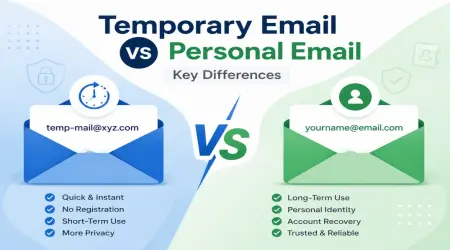
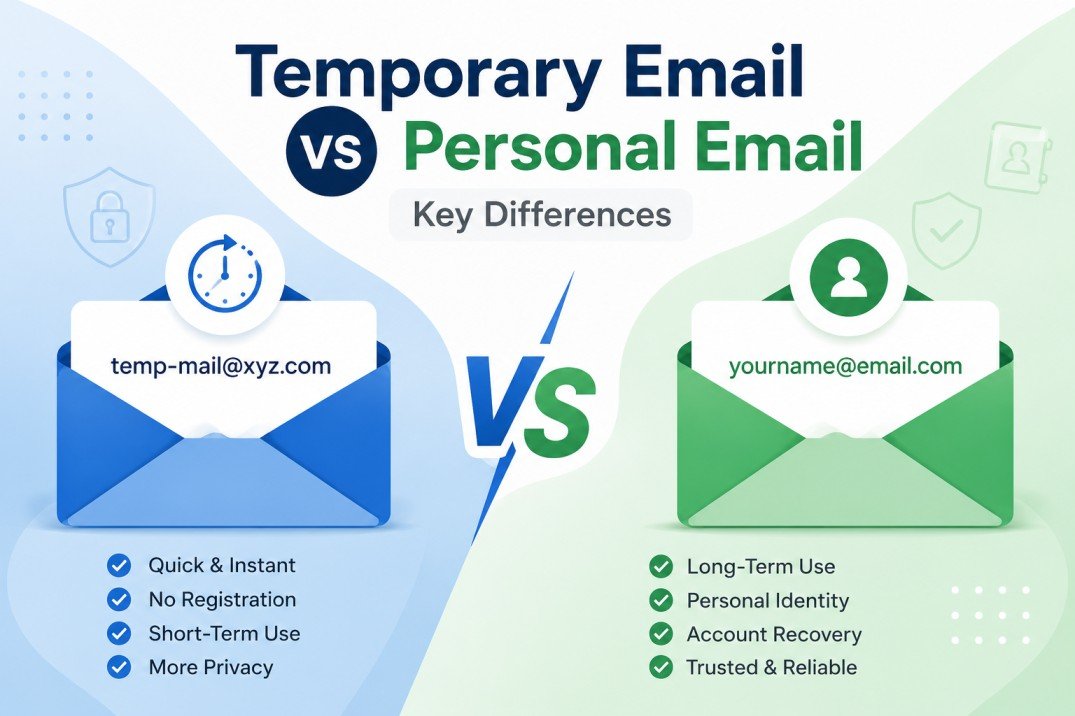
Temporary Email vs Personal Email: Key Differences
Last month I almost lost access to my main Gmail account. Not because I got hacked — because of my own stupidity.
I'd signed up for so many random newsletters, free trials, and "download this ebook" forms using my personal email that my inbox turned into a war zone. 47 unread promotional emails in one morning. A "verify your subscription" email from a site I genuinely don't remember visiting. And somewhere in that mess, I almost missed an actual important email from my bank.
That's the day I started using temporary email seriously. And honestly? It changed how I browse the internet.
If you're sitting there wondering whether you should bother with a temp email service or just stick with your regular Gmail/Outlook for everything, let me walk you through what I learned the hard way.
So What's the Actual Difference?
Your personal email is the one tied to your real identity — the one your friends, family, bank, and employer use to reach you. It's permanent, it's connected to your name, and it builds a history over time.
A temporary email (sometimes called disposable email or burner email) is exactly what it sounds like — an email address that exists for a short window of time, then disappears. No signup required usually, no password to remember, and definitely no long-term commitment.
I use a temp mail service whenever I need to test something or grab a one-time download link, and I never touch it again after.
My Actual Use Case (This Is Where It Clicked for Me)
I was testing a SaaS tool for a client project — needed to sign up just to see the dashboard and decide if it was worth recommending. The site demanded an email to even view the free trial.
I almost used my work email. Then I thought — wait, this company is going to email me forever now. "Upgrade now!" "Don't miss this offer!" "We miss you!" Forever.
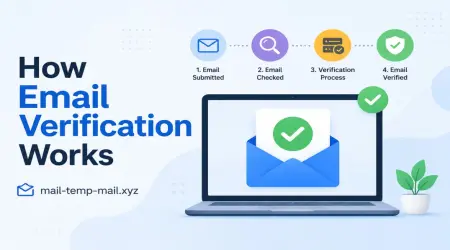
Instead, I grabbed a temporary inbox from a site like mail-temp-mail.xyz, used that address to sign up, got my verification code instantly, checked the dashboard, and closed the tab. No follow-up emails. No data sitting somewhere with my real name attached to a tool I tested for eight minutes.
That's the moment temp email made sense to me — not as some hacker tool, but as a basic hygiene habit.
When Personal Email Actually Makes More Sense
I'm not anti-personal-email, to be clear. There are situations where using your real address is the smarter move:
- Banking, government services, taxes — you need a permanent, recoverable account here. No exceptions.
- Job applications and professional communication — recruiters need to reach you reliably, sometimes weeks later.
- Online shopping with order tracking — you'll want access to receipts, return windows, and shipping updates.
- Anything tied to a subscription you actually want — Netflix, Spotify, whatever. You want that account recoverable.
Basically: if you need the email relationship to last, use your real one. If it's a one-time interaction, that's where temp mail earns its place.
Step-by-Step: How I Use Temp Email Day to Day
Here's literally my process now, in case it helps:
Step 1: Open a temp mail site (I use mail-temp-mail.xyz when I'm testing or signing up for something disposable).
Step 2: Copy the auto-generated email address — no signup, no info needed from me.
Step 3: Paste that address into whatever form is demanding an email (free download, trial account, forum signup, coupon code, etc).
Step 4: Switch back to the temp mail tab and wait for the verification email or confirmation code — usually takes a few seconds.
Step 5: Grab whatever I need (the file, the code, the access), then I just close the tab. Done. No cleanup needed because the inbox self-destructs or expires on its own.
That's it. No app to install, no extra password to remember, no commitment.
The Mistakes I Made Before Figuring This Out
Mistake #1: Using my personal email for every "free" download. I once downloaded a free PDF template and ended up on a marketing list that emailed me three times a week for over a year. Took me forever to find the unsubscribe link buried at the bottom in tiny gray text.
Mistake #2: Trying to use temp email for something important. I made the opposite mistake too — once used a disposable address for a freelance platform signup, thinking it was "just testing it out." Two days later they wanted to verify my account again, and the temp inbox had already expired. Lost access completely, had to start over with my real email.
Lesson learned: Temp email is for short-term, throwaway interactions. Anything where you might need to log back in later — use your real email or at least a dedicated secondary account you control long-term.
Mistake #3: Assuming temp email means total anonymity. It doesn't make you invisible online. Your IP address, browser fingerprint, and other details can still be tracked depending on the site. Temp email protects your inbox, not your entire digital identity. Don't confuse the two.
Real Examples Where Temp Email Has Genuinely Helped Me
- Testing software trials without getting locked into a sales funnel afterward.
- Downloading whitepapers or ebooks that gate content behind an email wall.
- Signing up for forums I just wanted to read once, not become a regular on.
- Grabbing a coupon code from a site that emails it to you instead of just showing it.
- Avoiding spam when entering giveaways or contests that clearly exist to build mailing lists.
In every one of these, my real inbox stayed clean. That's the actual win — not anonymity, just inbox peace.
Common Mistakes People Make With Temp Email
A few things I've seen friends mess up after I recommended temp mail to them:
- Using it for accounts they actually want to keep. If you'll need to log back in next week, don't use a disposable address.
- Not saving the verification code fast enough. Some temp inboxes expire quickly — grab what you need right away.
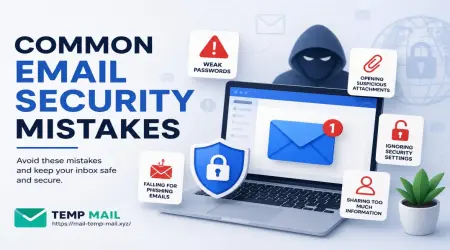
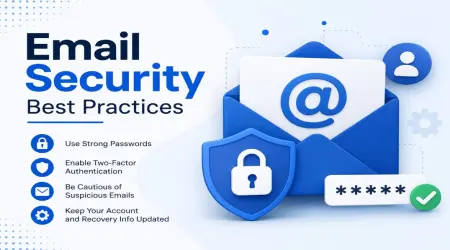
- Using temp email for password resets on important accounts. Obviously don't do this — you need a recoverable address for anything security-related.
- Assuming every temp mail site is safe. Stick to reputable, well-reviewed services rather than random sketchy ones you've never heard of.
A Simple Way to Decide Which to Use
Ask yourself one question before signing up for anything: "Will I need to access this account again in a month?"
If yes — personal email, every time. If no, or you genuinely don't care — temp email, no hesitation.
It sounds almost too simple, but that one question has saved me from probably hundreds of spam emails over the past year.
Final Thoughts
I'm not saying ditch your Gmail or stop using personal email — that'd be ridiculous advice. Your real inbox still matters for the things that actually matter.
But temp email solved a problem I didn't realize I had until my personal inbox turned into chaos. Now I treat it like a disposable shield — something I pull out for one-time interactions, then forget about completely.
If you've never tried it, just test it once. Next time some random site demands your email just to show you a discount code or a free download, grab a temporary address instead of handing over your real one. You'll notice the difference in your inbox within a week.
That's really all there is to it — no big learning curve, no technical skill needed. Just a smarter habit once you know when to use which.