How to Protect Your Email Address Online (Lessons I Learned the Hard Way)
Three years ago, I signed up for a "free" PDF converter site to convert one single file. One file. I never visited that website again.
Within a week, my inbox was a warzone. Crypto scam offers, fake delivery notifications, "your account has been compromised" emails, and a daily flood of newsletters I never asked for. I spent an entire Sunday unsubscribing from things, and honestly, some of those unsubscribe links probably just confirmed my email was "active" to spammers.
That one mistake taught me more about email privacy than any article ever did. So let me save you that Sunday.
Why Your Email Address Is More Valuable Than You Think
People treat their email like it's just a login detail. It's not. It's basically the master key to your digital life — your bank, your social media, your shopping accounts, even your phone backups.
Once spammers or data brokers get hold of it, three things usually happen:
- You get buried in spam and phishing attempts
- Your email shows up in data breach lists (you can actually check this)
- Scammers start using it to guess passwords or impersonate you
I didn't take this seriously until I checked my email on Have I Been Pwned and saw it listed in four different breaches I had no idea about. That was a wake-up call.
The Habit That Changed Everything: Not Giving Out My Real Email
Here's the thing nobody tells you — you don't need to use your real email everywhere.
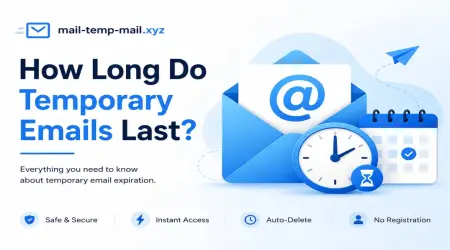
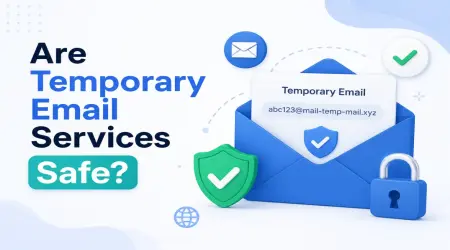
For random sign-ups, one-time downloads, app trials, or anything you're not 100% sure about, I now use a temporary or disposable email address. This single habit cut my spam by probably 80%.
This is actually why I started using sites like mail-temp-mail.xyz — it gives you a throwaway inbox for situations where you don't want to risk your real email getting harvested or sold. You sign up, get the file or access you needed, and the temp inbox just... disappears. No long-term spam, no breach risk tied to your real identity.
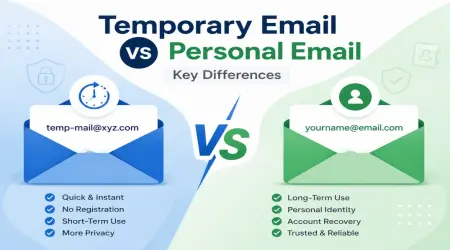
I now mentally split my email usage into two categories:
Real, permanent email → banking, work, family, important subscriptions Temporary email → random downloads, "enter your email to continue" popups, free trials, forums I'll use once
Step-by-Step: How I Protect My Email Now
This isn't theory — this is literally my current routine.
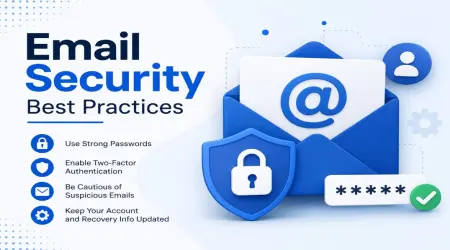
1. Use a temp email for anything low-trust
Before entering my real email anywhere new, I ask myself: "Will I actually need this account again?" If the answer is no, I use a disposable email instead. It takes ten seconds and saves weeks of spam later.
2. Check if your email has already leaked
Go to haveibeenpwned.com and type your email in. If it shows up in old breaches, change passwords on those accounts immediately — especially if you reused passwords (we've all done it).
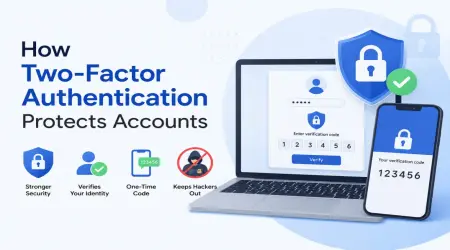
3. Turn on two-factor authentication
Even if your email gets exposed, 2FA stops most people from actually breaking into the account. I use an authenticator app instead of SMS now, after a friend got SIM-swapped.
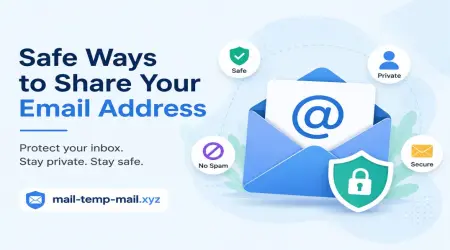
4. Stop posting your email publicly
I used to have my email visible in an old portfolio website. Bots scrape websites looking for the "@" symbol. I replaced it with a contact form instead, and the spam dropped noticeably.
5. Use email aliases for important accounts
Gmail lets you do something like yourname+shopping@gmail.com. It still lands in your main inbox, but you can filter or block based on the alias if it gets leaked. Small trick, surprisingly useful.
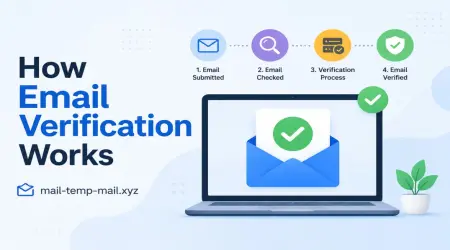
6. Be suspicious of "confirm your email" requests
If I didn't request a password reset or confirmation, I don't click it. Real companies don't randomly ask you to "verify" out of nowhere.
A Real Example From My Own Inbox
Last year I wanted to download a free Lightroom preset pack. The site demanded an email before unlocking the download — classic lead-gen trick. I almost typed my real email out of habit.
Instead, I used a temporary email, grabbed the file, and never thought about it again. No spam, no "exclusive offers," no nothing. That's exactly the kind of situation temp email tools were made for.
Compare that to a friend of mine who used his real Gmail for a similar site. Six months later, he was still getting promotional emails from three different "partners" of that one preset website. That's how data sharing works — your email gets passed around more than people realize.
Mistakes People Make (I made most of these too)
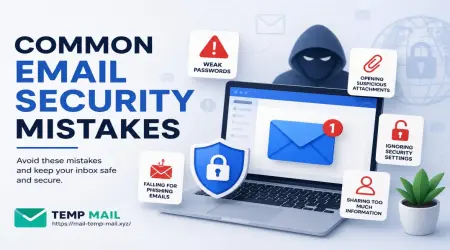
Mistake 1: Reusing the same password everywhere If one site leaks, hackers try that same email + password combo everywhere else. This is called credential stuffing, and it's terrifyingly common.
Mistake 2: Using your real email for "just one download" There's no such thing as "just one download" when it comes to data brokers. Once it's in their system, it's in there.
Mistake 3: Clicking unsubscribe on spam emails Sounds helpful, but for spam (not legit newsletters), clicking unsubscribe sometimes confirms your email is active, leading to more spam, not less.
Mistake 4: Ignoring privacy settings on social media A lot of platforms show your email to "people you may know" features unless you manually turn that off.
Mistake 5: Never checking breach databases Most people only find out their email leaked when something bad already happened — fraud, hacked accounts, etc. Checking proactively avoids that.
When a Temporary Email Makes the Most Sense
From my own experience, temp email works best for:
- Downloading free resources, ebooks, templates
- Signing up for trial software you're unsure about
- Posting on forums or comment sections
- Testing apps before committing your real identity
- Avoiding spam from "gated content" websites
It's not meant to replace your real email — it's meant to protect it.
Final Thoughts
Protecting your email isn't about being paranoid. It's about being intentional with where you hand it out, the same way you wouldn't give your home address to every store you walk into.
After that one bad sign-up experience years ago, I got way more careful — using temp inboxes for random sign-ups, enabling 2FA everywhere, and actually checking if my email had been part of a leak.
My inbox today looks completely different from back then. Mostly real emails, way less noise, and zero random "claim your prize" messages.
If you're tired of spam piling up from sites you don't even remember signing up for, start small — next time something asks for your email just to "unlock" content, try a temporary email instead. It's a tiny habit that makes a surprisingly big difference.