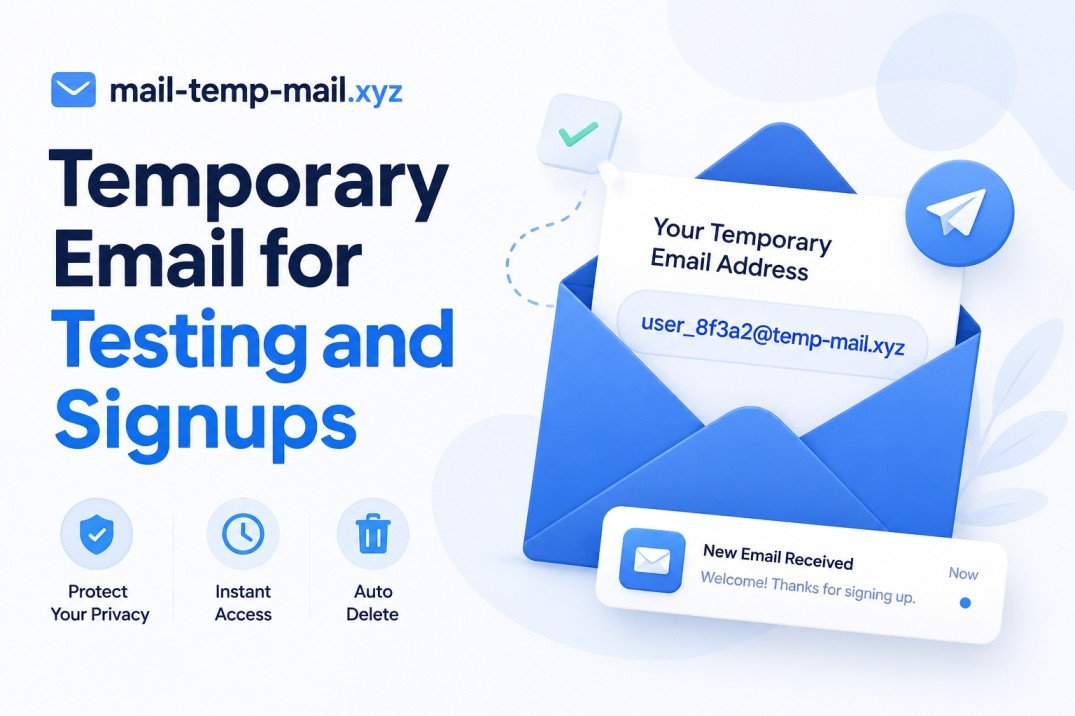
Temporary Email for Testing and Signups: Why I Stopped Using My Real Inbox for Everything
Last year I was building a small side project, and I needed to test how my signup form looked from a brand-new user's perspective. So I did what most people do without thinking twice — I signed up using my personal Gmail.
Big mistake.
Within a week, that inbox was a mess. Confirmation emails, "welcome to our platform" spam, random newsletters I never asked to be part of, and a few sketchy promotional emails that just wouldn't stop coming. I spent almost an hour unsubscribing from things I had no memory of subscribing to.
That's the moment I started actually using temporary email addresses, and honestly, I haven't gone back.
Why I Even Needed One in the First Place
If you've ever tested an app, tried a "free trial," downloaded an ebook that required an email, or just wanted to check what a website does without committing your real identity to it — you already know the problem. Almost every website wants your email before it gives you anything.
The issue isn't just spam. It's that once a website has your real email, it's basically yours to deal with forever. Some companies sell that data. Some just email you nonstop. Some get breached, and suddenly your email is floating around in a leaked database somewhere.
A temp email solves this in the simplest way possible: you give the website an address that exists just long enough to do what you need, then it's gone.
What Temporary Email Actually Is (In Plain Words)
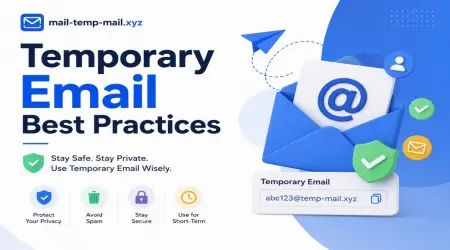
It's not complicated. A temporary email is just a disposable inbox that isn't tied to your real identity. You open a website like mail-temp-mail.xyz, you get a random email address instantly, and any message sent to that address shows up right there in your browser.
No signup. No password. No personal info required.
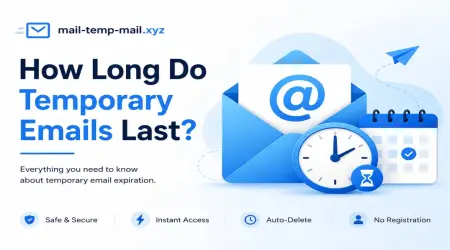
You use it to receive that one verification code or confirmation link, grab what you need, and walk away. The address either expires after a while or you simply never touch it again.
My Honest Use Cases (Real Stuff, Not Theory)
Here's where I actually use a temp email in real life — not hypothetical situations, but things I do regularly:
1. Testing my own websites and apps When I'm building something that requires email signup, I don't want to flood my personal inbox with test accounts. I open a temp email, sign up, check that the confirmation email arrives properly, and move on.
2. Trying free trials Some platforms only let you do a free trial once per email. I'm not trying to scam anyone — I just want to actually evaluate a tool before deciding whether it's worth paying for, without it remembering my real email forever.
3. Downloading gated content You know those websites where you need to "enter your email to download the PDF"? I almost never use my real one anymore. I just need the file, not a relationship with their marketing team.
4. Signing up for forums or one-time access Sometimes I need to comment on a forum once, or access a tool that requires a quick verification. A temp inbox handles that without any long-term commitment.
5. Avoiding spam from "free" online tools A lot of free online converters, generators, or calculators ask for your email "to send you the result." I've learned the hard way that this almost always leads to a newsletter you never wanted.
How I Actually Use mail-temp-mail.xyz — Step by Step
If you've never used a temporary email service before, here's exactly how simple it is:
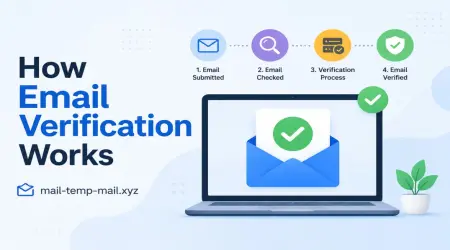
Step 1: Open the website Go to mail-temp-mail.xyz. No account creation, no login screen blocking you.
Step 2: Get your random email address The site automatically generates a temporary email address for you. It's ready to use immediately.
Step 3: Copy the address Copy that email and paste it into whatever signup form, app, or website is asking for it.
Step 4: Wait for the message Go back to the temp email tab. Within a few seconds (sometimes a minute, depending on the sender), the email shows up right there in the inbox.
Step 5: Open it, grab your code or link Click the email, get your verification code, confirmation link, or whatever you needed.
Step 6: Walk away That's it. You don't need to delete anything or log out. The address simply isn't connected to you in any permanent way.
It genuinely takes less time than typing out your real email and password manually.
Mistakes I Made Early On (So You Don't Repeat Them)
I'll be honest, I didn't get this right immediately. A few lessons I learned the hard way:
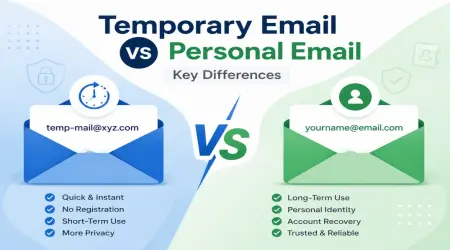
Using it for accounts I actually wanted to keep. Early on, I used a temp email for a tool subscription I ended up liking and wanted to keep using. Problem was, the temp address expired, and I lost access to password resets. Lesson learned — temp email is for short-term stuff only, not accounts you plan to use long-term.
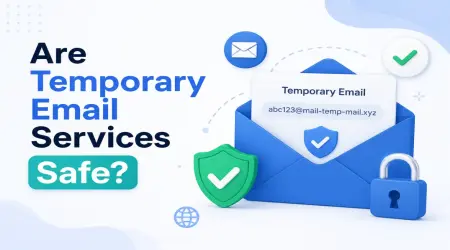
Assuming every temp email service is private. Not all temporary email sites are equal. Some log your activity, some show inboxes that anyone with the link can view. I now stick to ones that don't require sketchy permissions or ask for unnecessary personal details.
Forgetting that some sites block known temp domains. A few major platforms (especially banks or anything requiring real verification) actively block disposable email domains. For anything tied to identity, finances, or long-term communication, a temp email obviously isn't the right tool. It's meant for casual, low-stakes signups — not your actual digital life.
Not checking the inbox fast enough. Some temporary inboxes expire quickly. If you wait too long to check for that verification email, you might miss it entirely. I now keep the tab open and check it right after submitting any form.
When You Should NOT Use a Temporary Email
To keep things balanced and honest — temp email isn't for everything. Don't use it for:
- Banking or financial accounts
- Anything involving legal documents or identity verification
- Long-term subscriptions you plan to keep using
- Accounts where customer support contact matters (since you'll lose access to that inbox)
- Anything where you might need password recovery down the line
Basically, if losing access to that email later would actually hurt you, skip the temp route and use your real one (or better yet, a dedicated secondary email you control).
Real Example From Just Last Week
I wanted to try a "free AI tool" that promised a 7-day trial. I'd already used my real email for a similar tool months ago and got buried in promotional emails afterward. This time, I grabbed a temp address from mail-temp-mail.xyz, signed up, tested the tool for what I needed, and that was it.
No follow-up emails. No "we miss you" messages three weeks later. No unsubscribe links to click. Just a clean test run with zero long-term baggage.
That's really the whole appeal in one sentence — you get what you need without giving away more than necessary.
A Few Practical Tips From Experience
- Keep the temp email tab open until you've fully completed the signup process — some confirmation emails arrive within seconds, but it's good to give it a minute.
- If you're testing your own website or app repeatedly, generate a fresh temp address each time rather than reusing one, especially if you're testing duplicate-signup logic.
- Don't share your temp inbox link with others if you're using it for something even slightly sensitive — anyone with that link can usually see what lands in it too.
- If a platform blocks temp email domains, that's usually a sign they're serious about reducing fake accounts, which is fair on their end.
Final Thoughts
Honestly, once you get into the habit of using a temporary email for testing and casual signups, you start wondering why you ever handed out your real one so freely. It's one of those small habits that quietly saves you from a lot of inbox clutter and unwanted marketing emails down the line.
It's not about hiding or being shady — it's just about being a little more intentional with where your real information goes. For quick signups, app testing, free trials, or grabbing gated content, a temp email from mail-temp-mail.xyz does the job without any fuss, and your actual inbox stays a lot cleaner because of it.